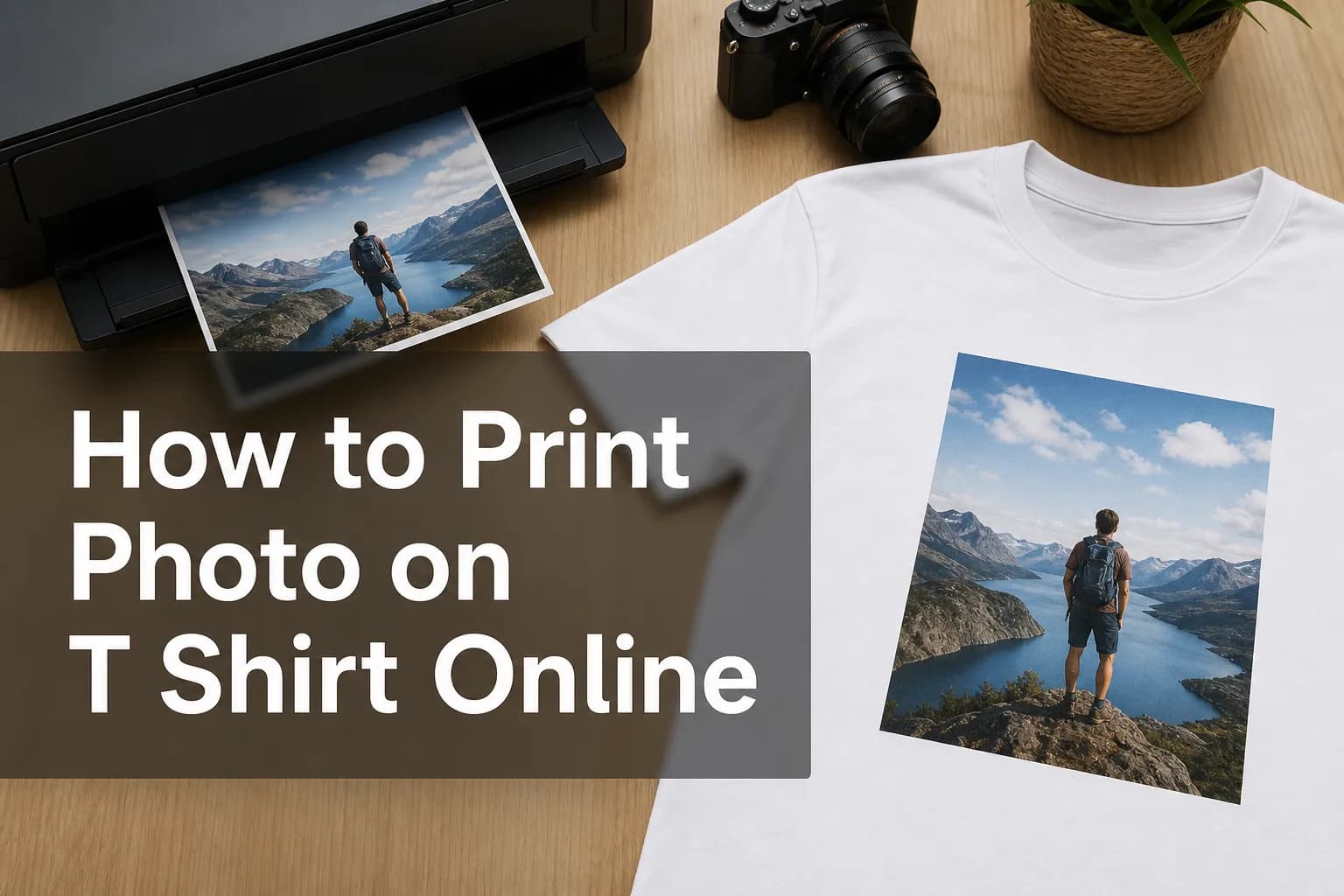
How to Print Photo on T Shirt Online
If you want to print a photo on a t-shirt online, the good news is that the process is easier than ever. The bad news is that most buyers still run into the same problems: blurry uploads, poor shirt quality, confusing editors, limited previews, and inconsistent print results.
For small studios, photographers, emerging print-on-demand brands, and established print businesses, that friction is more than a customer annoyance - it is a conversion problem. People want a fast, intuitive way to put a picture on a shirt without learning a complex design tool. They want confidence that what they see is what will arrive.
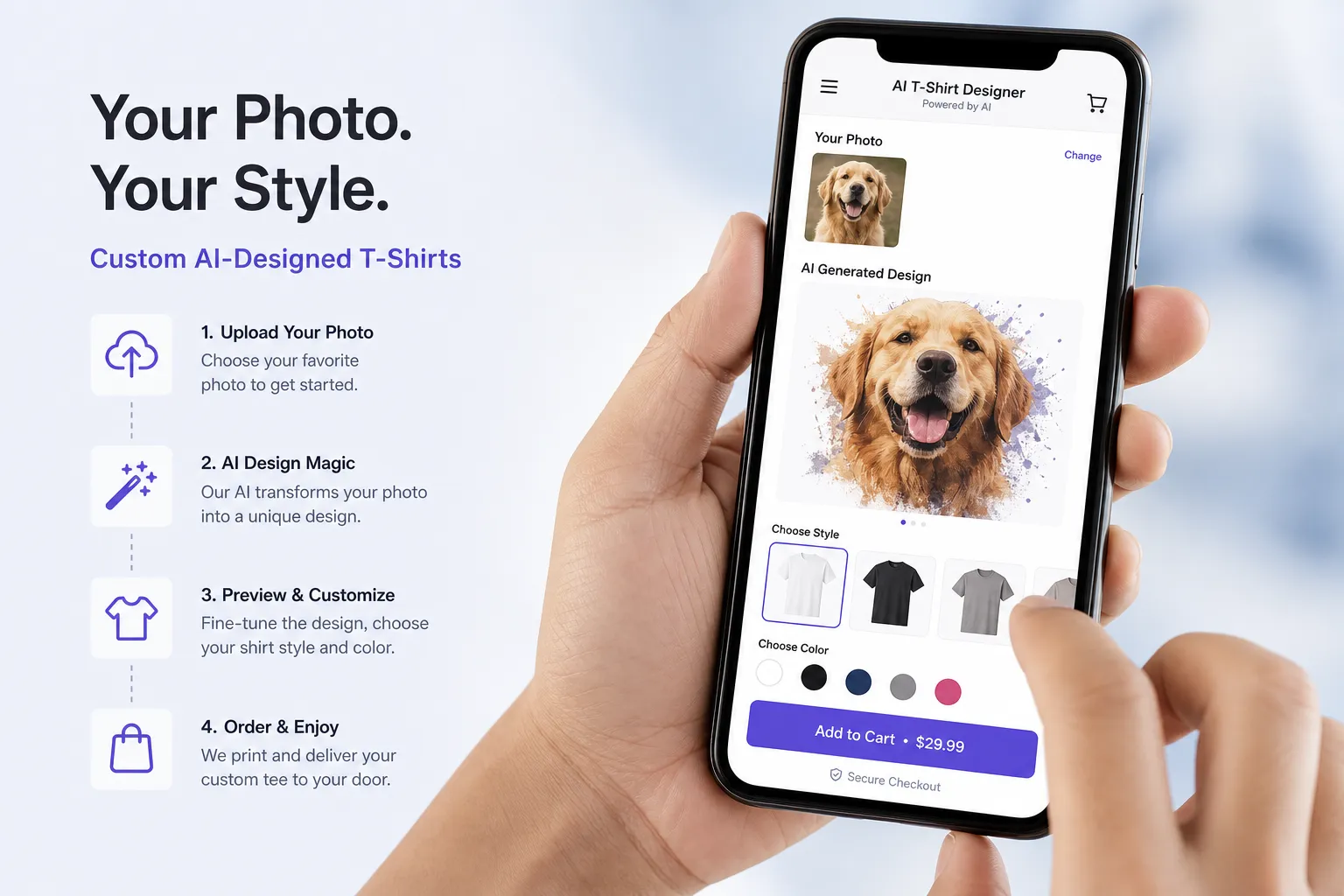
That is exactly why the next wave of web-to-print is shifting toward AI-guided product creation. Instead of forcing users through a traditional editor, platforms like Media Rex Alliance let customers describe what they want, upload a photo, and move from idea to print-ready product with far less effort. The result is a faster path to checkout, better customer confidence, and a more scalable storefront for brands selling custom photo apparel.
"76% of Americans have purchased items online using a smartphone." - Ecommerce Tips
That matters because custom apparel is increasingly a mobile-first purchase. If your workflow to add a picture to a shirt feels clunky on a phone, you lose buyers before they ever upload a file.
What It Means to Print a Photo on a Shirt Online
Printing a photo on a shirt online typically means choosing a shirt style, uploading an image, adjusting placement, approving a preview, and sending the design to production. Depending on the provider, the print method may be DTG, DTF, sublimation, or screen print transfer.
For the customer, though, the real decision is simpler:
Question | Why It Matters |
|---|---|
Is the shirt quality good? | Fabric quality affects how premium the final product feels. |
Will my image print clearly? | Low-resolution photos can look soft or pixelated. |
Can I preview it accurately? | Better previews reduce hesitation and disappointment. |
Is the design tool easy to use? | Simplicity drives higher conversion. |
Can I order one shirt or many? | Flexibility matters for gifts, events, and businesses. |
Will it work well on mobile? | A growing share of orders begin on phones. |
The strongest online experience is not just about uploading a file. It is about reducing every point of friction between inspiration and purchase.
The Best Ways to Print a Picture on a Shirt
Not every printing method is equally good for photos. If your goal is to print a picture on a shirt with strong detail and color, here is what you need to know.
DTG Printing
Direct-to-garment printing sprays ink directly onto the fabric. It is one of the most common methods for detailed photo prints and short runs.
Best for:
One-off orders
Full-color images
Soft hand feel on the right garment
Online custom shirt stores
Watch-outs:
Results depend heavily on shirt material and pretreatment
Dark garments may require a white underbase
File quality matters a lot
DTF Printing
Direct-to-film printing transfers a printed design from film to shirt using heat.
Best for:
Bright, durable prints
Small-batch customization
Logos and graphics mixed with photos
Watch-outs:
Some transfers can feel heavier than DTG
Quality varies by supplier and transfer material
Sublimation
Sublimation bonds dye into polyester fabric, producing vivid and durable results.
Best for:
All-over color
Polyester shirts
Bright, high-energy visuals
Watch-outs:
Not ideal for standard cotton tees
Works best on white or very light garments
Screen Print Transfers
These can work well for simplified designs or larger runs, but they are not always the top option for detailed photos.
Best for:
Bulk production
Bold graphics
Repeatable team or event shirts
Watch-outs:
Less ideal for nuanced photographic detail
Setup can be less flexible for one-off personalization
Which Method Is Best for Photo Shirts?
If the design is primarily a photograph, DTG is usually the most beginner-friendly online option. It handles gradients, skin tones, shadows, and full-color imagery better than most low-complexity alternatives.
For print businesses, however, the real opportunity is not just selecting a print method. It is giving customers a smarter way to create the product in the first place. Media Rex Alliance helps modern brands bridge that gap by turning prompts and photo uploads into print-ready layouts automatically, then routing those orders through on-demand fulfillment. That means less manual intervention, lower operational drag, and a cleaner buying experience.
How to Prepare Your Photo Before You Put It on a Shirt
The biggest mistake buyers make is assuming any photo will print well. It will not.
Use the Highest Resolution Available
As a rule, use the original image from your camera or phone rather than a compressed screenshot from social media or messaging apps.
Aim for:
At least 150 DPI at print size
Preferably 300 DPI for best clarity
A file that is large enough for the intended design area
Choose the Right File Format
PNG and JPG are the most common for online editors. PNG is especially useful when you want transparency around a subject.
Check Lighting and Contrast
A shirt is not a backlit phone screen. Dark photos can print darker, especially on dark garments. Brighten shadows slightly and increase contrast if needed.
Remove Busy Backgrounds When Necessary
If the photo subject matters most, removing the background often creates a cleaner, more premium shirt design.
Match the Shirt Color to the Image
A great photo can look wrong on the wrong shirt color. White, black, athletic heather, and natural are common choices, but each changes how the image reads.
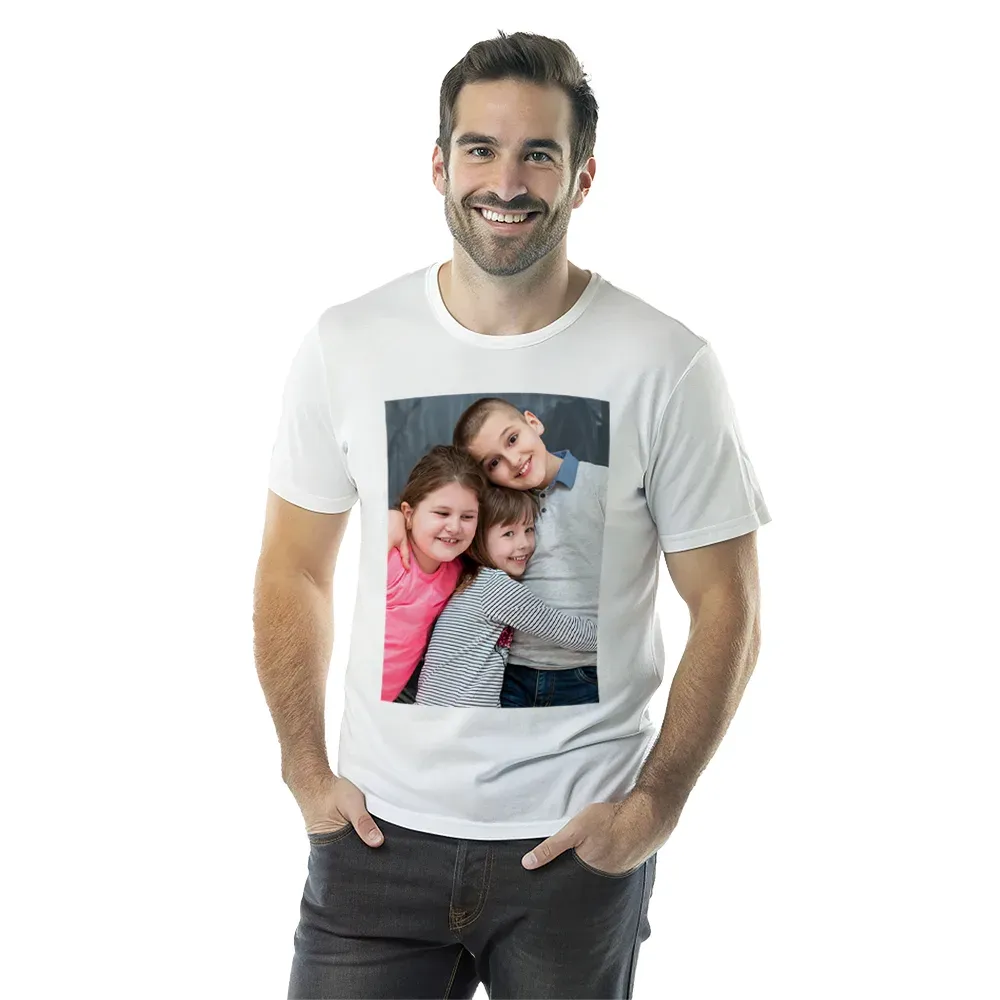
Step-by-Step: How to Print Photo on T Shirt Online
Here is the simplest path if you want to print photo on t shirt online without wasting time or money.
1. Pick the Right Shirt Type
Choose based on the intended use:
Unisex tee for broad appeal
Women’s fit for a more tailored cut
Youth or toddler options for family sets
Long sleeve if seasonality matters
For brands, product mix matters too. Offering multiple styles under one white-label flow can increase average order value.
2. Select the Best Shirt Color
Neutral colors are the safest starting point:
White for brightness and color accuracy
Black for bold contrast
Heather gray for a softer, casual look
If the print provider notes that white ink does not render the same way on certain fabrics, take that seriously.
3. Upload the Highest-Quality Image You Have
Do not upload:
Blurry screenshots
Heavily compressed social media saves
Images with tiny subjects that need major enlargement
4. Position and Scale the Design
Keep the photo large enough to feel intentional, but not so large that facial details or important edges sit awkwardly across seams or folds.
5. Preview Carefully
Review:
Cropping
Edge spacing
Brightness
Shirt color interaction
Front vs. back placement
6. Order a Single Sample First if the Design Matters
For event apparel or commercial resale, a sample can prevent expensive reorders.
7. Follow Care Instructions
Cold wash, inside out, low heat dry, and avoid ironing directly over the printed area.
Common Problems When You Add a Picture to a Shirt
Competitor content usually explains the basic upload steps, but often skips the real reasons orders fail. These are the gaps that matter.
Low-Resolution Photos
This is the number one issue. Online tools may accept the file, but acceptance does not mean it will print sharply.
Poor Placement
A centered image in the editor can still feel too high, too low, or too small on the actual garment.
Wrong Shirt for the Image
A detailed portrait on a textured dark heather blend may not deliver the same punch as the same image on a smooth white cotton tee.
Overdesigned Layouts
Many first-time users try to combine too many fonts, stickers, and effects. Simpler usually looks more premium.
Weak Previews
Flat mockups are often not enough. Buyers hesitate when they cannot visualize the final product accurately.
"Products featuring 3D visualization can experience up to a 40% increase in conversion rates." - Eyedex
This is one reason Media Rex Alliance emphasizes photorealistic 3D and AR previews. When customers can see a convincing representation of the shirt before ordering, confidence rises and friction falls.
How to Choose the Best Online Service for Custom Photo Shirts
If you are a consumer, you want ease, quality, and speed. If you are a print business, you need all of that plus control, branding, automation, and scale.
For Consumers
Look for:
Clear garment details
Easy uploader
Realistic preview
Transparent shipping times
No minimum order if you only need one
For Print Businesses
Look deeper:
Can you white-label the experience?
Does the tool work in-browser without app install?
Can users create via conversation instead of a hard-to-learn editor?
Are projects synced across mobile and desktop?
Can fulfillment be automated?
Can you reduce stock and operate on demand?
Will the platform scale from startup volume to enterprise demand?
That is where Media Rex Alliance stands apart. It is not just another editor layered onto a storefront. It is an AI-powered web-to-print infrastructure built for modern commerce. Customers can describe what they want conversationally, upload a photo, and move quickly toward a print-ready product. Brands can launch under their own domain and identity, preserve the customer relationship, and streamline production through a global premium printer network.
Traditional Editors vs AI-Powered Product Creation
Here is where the market is changing fast.
Feature | Traditional Online Editor | AI-Powered Flow with Media Rex Alliance |
|---|---|---|
Learning curve | Moderate to high | Low |
Mobile usability | Often clunky | Mobile-first |
Design creation | Manual drag-and-drop | Prompt-led and automated |
Product previews | Standard mockups | Photorealistic 3D and AR |
White-label deployment | Limited | Full white-label support |
Fulfillment workflow | Often fragmented | Automated on-demand pipeline |
Scalability | Varies | Built for startups to enterprise |
Multi-device continuity | Often weak | Local and cloud sync |
For businesses modernizing a custom shirt offering, this shift is strategic. It reduces abandonment, shortens time to purchase, and opens the door to a more scalable custom commerce model.
Best Use Cases for Online Photo T-Shirt Printing
Photo shirts are not just novelty products anymore. They serve multiple commercial and emotional use cases.
Personal Gifting
Birthdays, anniversaries, memorial tributes, and inside jokes all convert well as one-off custom shirts.
Events and Group Apparel
Family reunions, bachelor and bachelorette trips, graduations, and team events are natural fits.
Creator Merchandise
Photographers, illustrators, influencers, and micro-brands can turn audience demand into on-demand apparel without carrying inventory.
Studio and Client Upsells
Photo studios and photographers can offer premium client merchandise after a session, increasing revenue per customer.
Regional and Enterprise Print Modernization
Established print players and photo book companies can upgrade legacy web-to-print experiences with conversational AI and white-label deployment rather than rebuilding from scratch.
How to Make Your Photo Shirt Look More Premium
If you want the result to feel intentional - not like a rushed novelty order - follow these design principles.
Use One Hero Image
One strong photo usually beats a cluttered collage.
Leave Breathing Room
Do not push the image too close to the collar or edges.
Add Minimal Text
If you add names, dates, or captions, keep typography clean and secondary to the image.
Consider Background Removal
This can turn a casual upload into a merch-ready design.
Use Realistic Previews
This is especially important for branded storefronts. Better previews improve trust and help customers commit faster.
Why Print Businesses Should Rethink the Entire Experience
Most blogs stop at “upload your image and click order.” That is useful for consumers, but incomplete for businesses.
If you are a print brand, the bigger question is not just how customers print a picture on a shirt. It is how you remove friction from the journey so more customers actually complete the order.
That requires:
A browser-based experience with no installation barrier
Mobile-first creation
AI-assisted design generation
White-label storefront integration
Cloud and local sync across devices
Automated, on-demand fulfillment
Scalable infrastructure that grows with your volume
Media Rex Alliance is built around that stack. It helps print businesses modernize faster, reduce overhead, avoid heavy inventory commitments, and launch AI-powered product creation under their own brand.
Final Verdict
If you want to put a photo on a shirt online successfully, the essentials are straightforward: start with a high-quality image, choose the right shirt and print method, use a clear preview, and keep the design simple.
But if you are building or upgrading a custom print business, the opportunity is much bigger. The brands that win the next phase of web-to-print will not just offer an upload button. They will offer an intelligent, mobile-native, conversion-focused buying experience that turns ideas into print-ready products with minimal friction.
Media Rex Alliance gives print businesses that edge. With conversational AI creation, white-label deployment, photorealistic 3D and AR previews, browser-based access, cloud sync, on-demand production, and automated fulfillment through a premium global network, it provides the infrastructure to launch a more scalable and modern custom apparel experience.
If your business wants to move beyond outdated editors and offer a smarter way to create photo shirts online, Media Rex Alliance is the platform to watch - and the partner to trial.
FAQ
How do I print my photo on a t-shirt?
Choose a shirt style and color, upload a high-resolution photo, position it in the design area, preview the layout, and place your order. For the best results, use a clean image and a provider that offers accurate previews and quality printing.
Can I print out a picture and put it on a shirt?
Yes, but the best online method is to upload the image directly to a custom shirt platform rather than printing it on paper first. Direct upload gives you better control over size, placement, and print quality.
What is the best way to put an image on a t-shirt?
For most people, DTG printing is the best option for photo shirts because it handles full-color images and small orders well. If you are selling at scale, an AI-powered web-to-print platform can make the process much easier for customers.
How do people print images on shirts?
Common methods include DTG, DTF, sublimation, and screen print transfers. The right choice depends on the fabric, order size, and whether the design is a detailed photograph or a simpler graphic.
Can I print out a picture and put it on a shirt?
Yes, you can, but online shirt customization tools usually produce a cleaner result than DIY paper-transfer methods. Uploading the original file helps preserve detail and improves how the final print looks on fabric.
Does Walgreens print photos on shirts?
Walgreens has offered custom photo t-shirts in some categories, but product availability can change. If you need more advanced customization, stronger previews, or a branded white-label experience for your own business, a dedicated AI web-to-print platform is a more scalable option.